Tablets
ReMarkable Paper Pro Move: The Next Evolution of On-the-Go Productivity
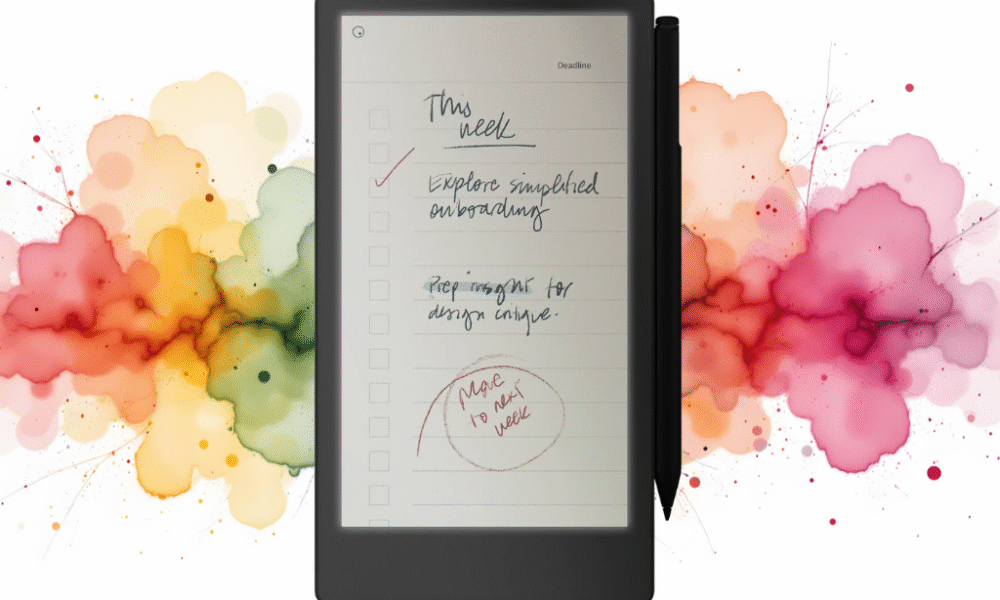
eMarkable Paper Pro
The digital world is awash with distractions, but for professionals seeking a focused, paper-like experience, the new reMarkable Paper Pro Move is poised to change the game. This portable paper tablet, a successor to its acclaimed predecessors, is designed specifically for face-to-face meetings and dynamic, on-the-go work. It promises the clarity of thought that comes from putting pen to paper, but with the added convenience and power of digital organization.
The most notable upgrade is the introduction of a 7.3″ Canvas Color display. This is a significant leap for the E Ink technology, offering a more vibrant and versatile experience for reviewing documents and visualizing ideas, without sacrificing the signature eye-friendly, low-glare feel. Paired with the new Marker stylus, which magnetically attaches to the side of the device, the Paper Pro Move provides a writing experience that feels remarkably true to life.
A standout new feature is the built-in reading light with adjustable brightness, a welcome addition for professionals working in various lighting conditions. Unlike traditional backlights, this low-glare light is designed not to emit harmful blue light, ensuring a comfortable experience for extended use. The battery life remains impressive, offering up to two weeks on a single charge, a critical feature for anyone who works away from a desk.
The Paper Pro Move’s focus on a distraction-free environment remains at its core. It’s free from the beeping, buzzing, and endless notifications of a typical tablet. Instead, it offers a refined ecosystem of folders, tags, and powerful search functionality to help you easily organize and find your notes and documents. This is further enhanced with the optional Connect subscription, which offers unlimited cloud storage, device protection, and the ability to convert your handwritten notes to typed text seamlessly.
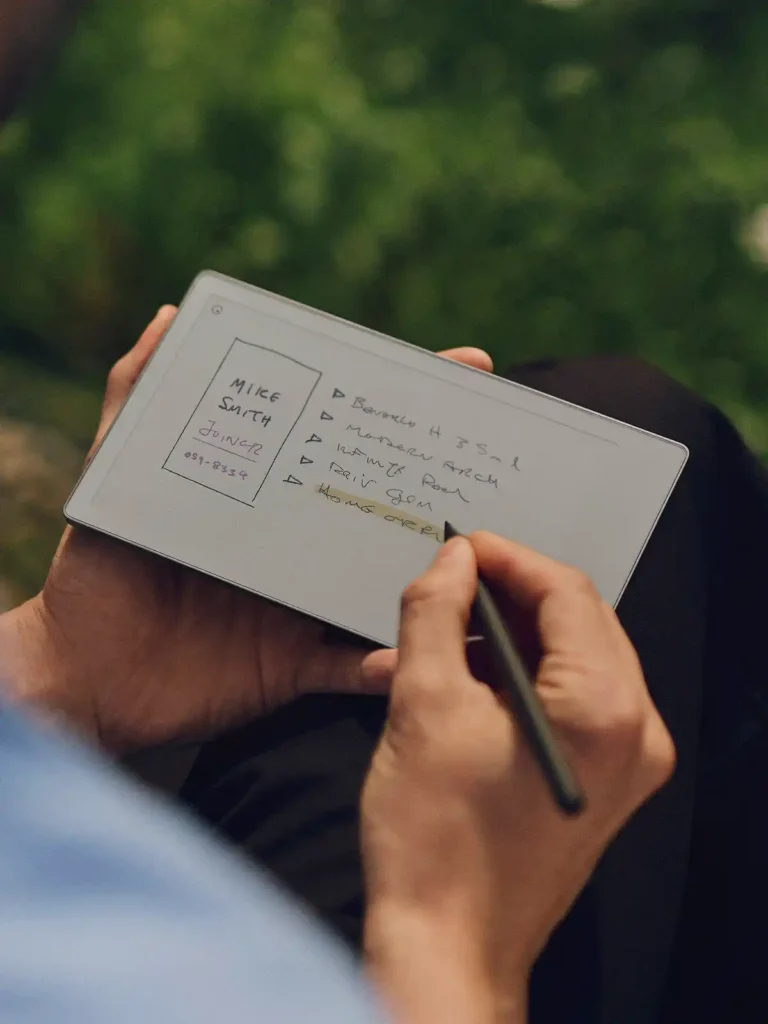
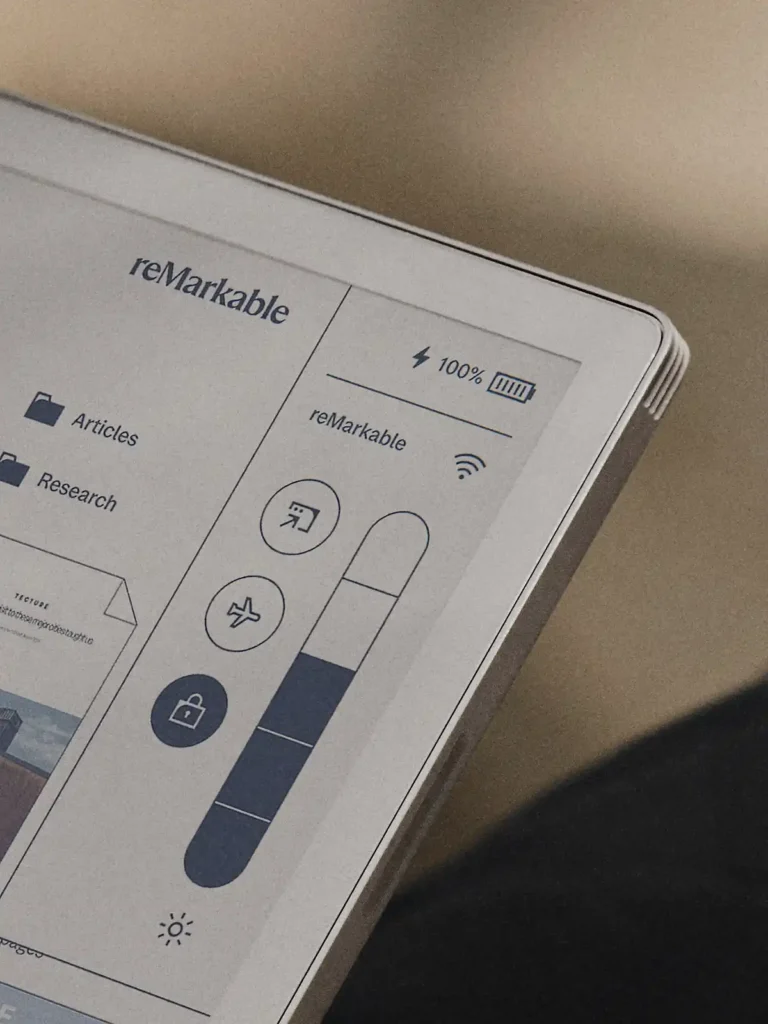
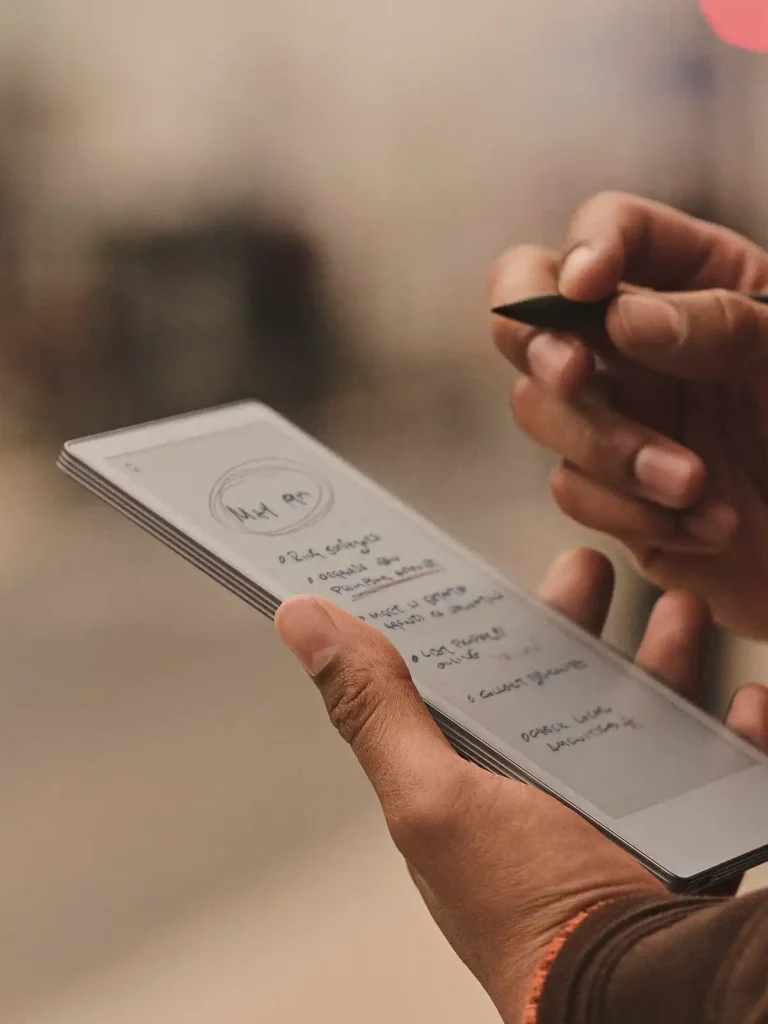
Pros and Cons of the ReMarkable Paper Pro Move
| Pros | Cons |
| New Canvas Color Display: Offers the familiar paper-like feel with the added benefit of color. | Connect Subscription: Necessary for unlimited cloud storage, device protection, and some advanced features like handwriting conversion. |
| Distraction-Free Environment: No notifications, social media, or web browsing to pull your focus. | Limited App Ecosystem: Primarily focused on note-taking, reading, and sketching. Not a multi-purpose tablet. |
| Exceptional Writing Experience: Mimics pen on paper with remarkable accuracy, reducing digital eye strain. | Price Point: Can be a significant investment compared to standard tablets. |
| Built-in Reading Light: Adjustable, low-glare light for use in any environment. | Learning Curve: While intuitive, some users might take time to adjust to the E Ink experience and its functionalities. |
| Long Battery Life: Weeks of usage on a single charge, perfect for travel. | Limited Browser Functionality: Basic web browser primarily for connecting to cloud services, not general browsing. |
| Lightweight and Portable: Easy to carry anywhere without adding significant bulk. | Relies on Cloud Storage: Without a Connect subscription, only the files used in the last 50 days are stored in the cloud. |
Competitor Comparison: ReMarkable Paper Pro Move vs. The Field
| Feature/Device | ReMarkable Paper Pro Move | iPad (Basic Model) | Onyx Boox Note Air 2 Plus | Kindle Scribe |
| Primary Use | Focused Note-taking, Reading, Sketching | General Purpose, Media Consumption, Apps | Note-taking, Reading, Android Apps | Reading, Basic Note-taking |
| Display Type | E Ink (Color) | LCD (Color) | E Ink (Monochrome) | E Ink (Monochrome) |
| Writing Experience | Excellent (Paper-like) | Good (Glassy) | Excellent (Paper-like) | Good (Slightly less friction) |
| Distraction Level | Very Low | Very High | Low (Can be customized) | Low |
| Battery Life | Weeks | 10-12 Hours | Days | Weeks |
| App Ecosystem | Limited, Focused | Vast (App Store) | Moderate (Android Apps) | Limited (Kindle Store) |
| Portability | Excellent (Lightweight) | Good (Slightly heavier) | Excellent | Excellent |
| Price | Premium | Mid-range | Premium | Mid-range |
For more detailed information, you can visit the official product page here: https://remarkable.com/products/remarkable-paper/pro-move.
Q&A about the ReMarkable Paper Pro Move
Q1: What exactly is the ReMarkable Paper Pro Move, and how is it different from a regular tablet? A1: The ReMarkable Paper Pro Move is a specialized digital writing tablet designed to replicate the experience of writing on paper. Unlike a regular tablet (like an iPad), it uses an E Ink display, which is glare-free and easy on the eyes, making it ideal for extended reading and writing. It’s also intentionally designed to be distraction-free, lacking notifications, a full web browser, and most apps found on traditional tablets. Its primary focus is on note-taking, sketching, and document annotation, now with a new color display.
Q2: Can I use the ReMarkable Paper Pro Move to read books and PDFs? A2: Absolutely! The E Ink display is perfect for reading. You can import PDFs, EPUBs, and other document types to read and annotate them directly on the device. It’s especially useful for marking up professional documents or academic papers.
Q3: Is the writing experience truly like paper, or is that just marketing hype? A3: The writing experience is remarkably close to paper. ReMarkable uses a textured display surface that provides a slight friction, combined with a stylus (Marker Pro) that has a responsive tip. This combination creates a tactile and auditory sensation very similar to pen on paper, making it one of the best digital writing experiences available.
Q4: How does the battery life compare to other devices? A4: The ReMarkable Paper Pro Move boasts exceptional battery life, often lasting up to two weeks on a single charge with typical usage. This is a significant advantage over traditional tablets and smartphones, which usually require daily charging.
Q5: Can I sync my notes and documents with other devices? A5: Yes, the ReMarkable Paper Pro Move offers cloud synchronization. With a Connect subscription, your notes, documents, and sketches are automatically synced to the ReMarkable cloud, allowing you to access them from your computer, phone, or other ReMarkable devices through their dedicated apps. Without the subscription, only files used and synced in the last 50 days are stored in the cloud.
Q6: Does it have a backlight for reading in the dark? A6: Yes, the ReMarkable Paper Pro Move features a built-in reading light with adjustable brightness. It is designed to be low-glare, eye-friendly, and to not emit harmful blue light, ensuring a comfortable reading and writing experience in any environment.
Q7: Is there a web browser or email client on the ReMarkable Paper Pro Move? A7: While there’s a very basic web browser primarily for connecting to cloud services or logging into certain portals, it’s not designed for general web browsing. There is no dedicated email client; the device is intentionally designed to minimize distractions and focus on writing and reading.
Q8: What kind of files can I import and export? A8: You can typically import PDF and EPUB files for reading and annotation. For export, you can convert your notes and sketches into PDF, SVG (scalable vector graphics), or PNG image files. With a Connect subscription, you can also convert your handwritten notes to typed text.


If you want more great tablet reviews, click the link to read them all.